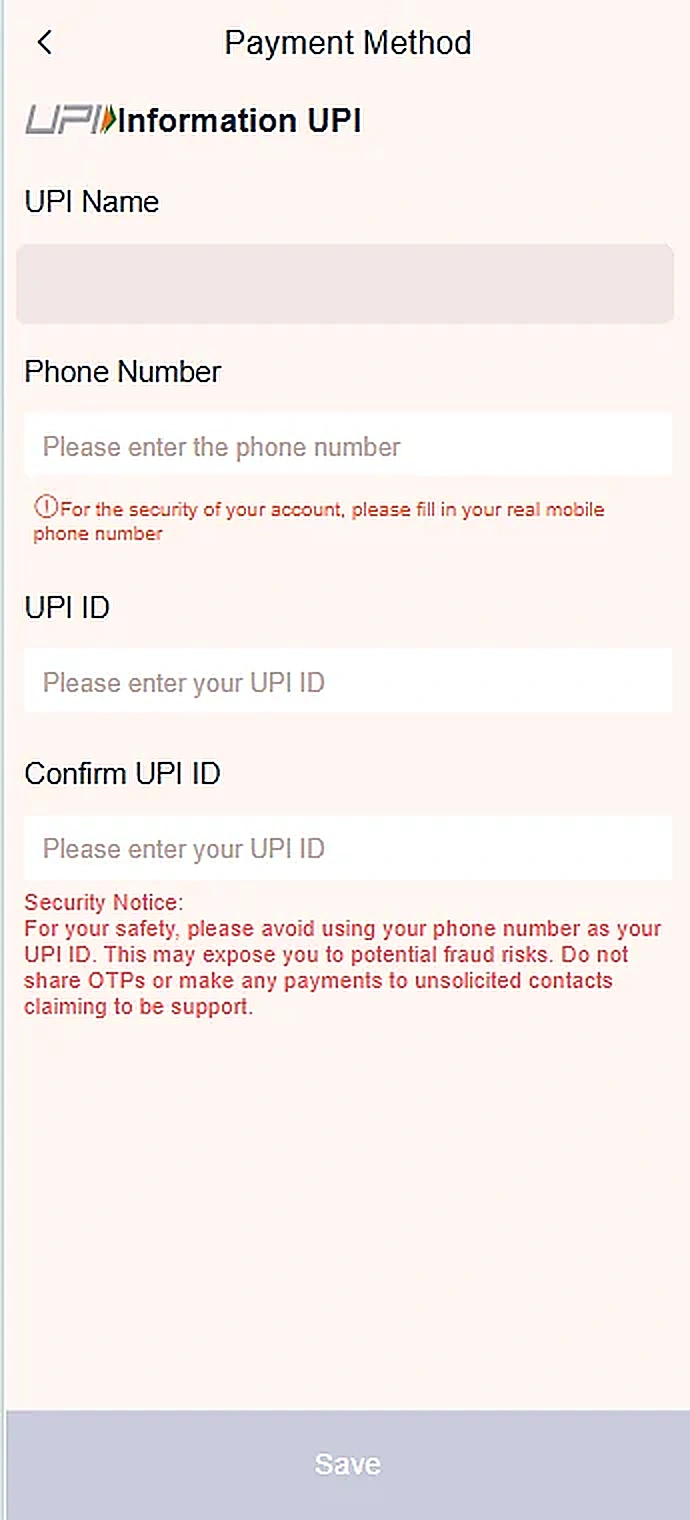
Step-by-step instructions
- Open the Payment Method / UPI information screen.
- Review the name shown and enter your phone number.
- Type your UPI ID and confirm it in the next field.
- Double-check that the ID belongs to you before selecting Save.
Important information
Never share payment OTPs or PINs. UPI setup and payments should be checked against your banking app.
Reference screenshots
Screenshots are examples supplied for this guide. Sensitive personal information and payment references are removed.