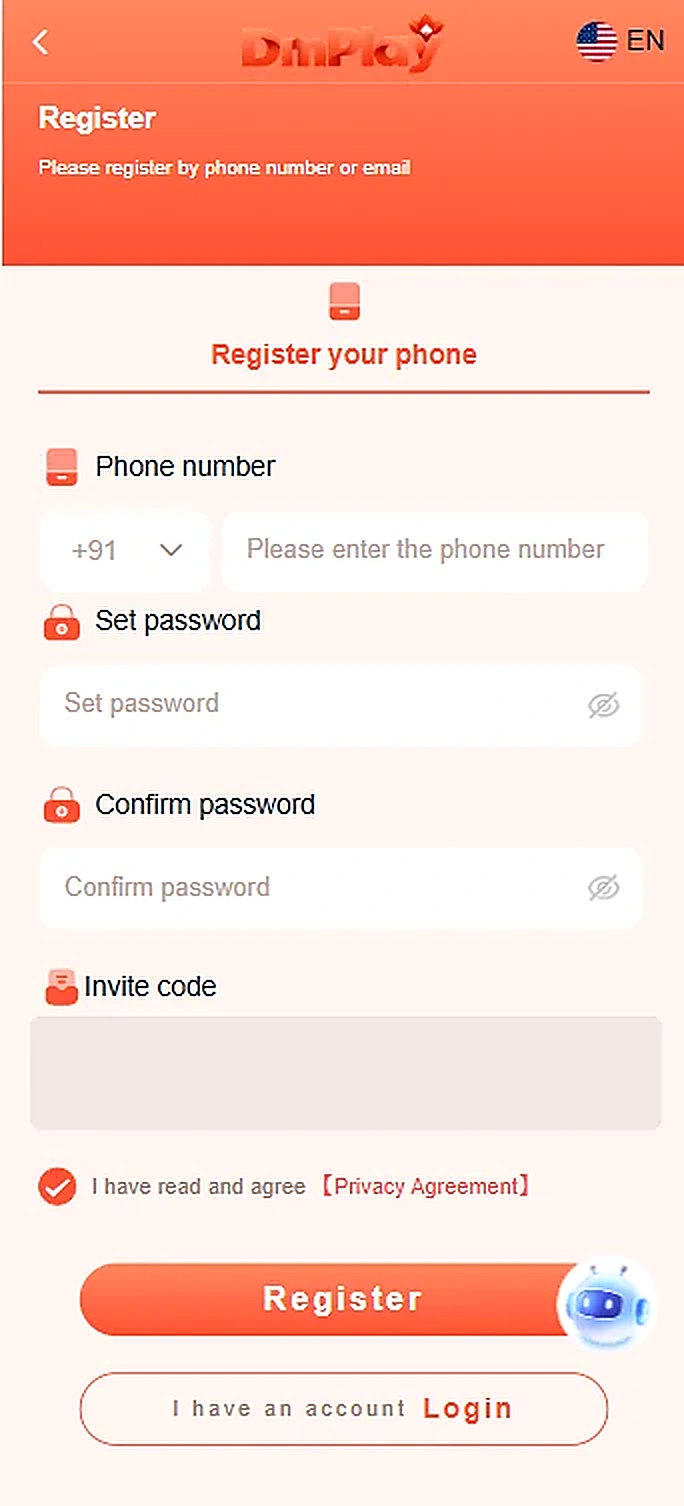
Step-by-step instructions
- Open the registration screen of the platform you independently verified.
- Choose the phone-number registration option and select the correct country code.
- Enter your phone number, set a strong password and type it again to confirm.
- Review any invitation code shown; do not use an unknown referral code without understanding it.
- Read the Privacy Agreement before selecting Register.
Important information
The screenshot shows phone registration. Email registration may differ and is not documented by this screenshot.
Reference screenshots
Screenshots are examples supplied for this guide. Sensitive personal information and payment references are removed.