Step-by-step instructions
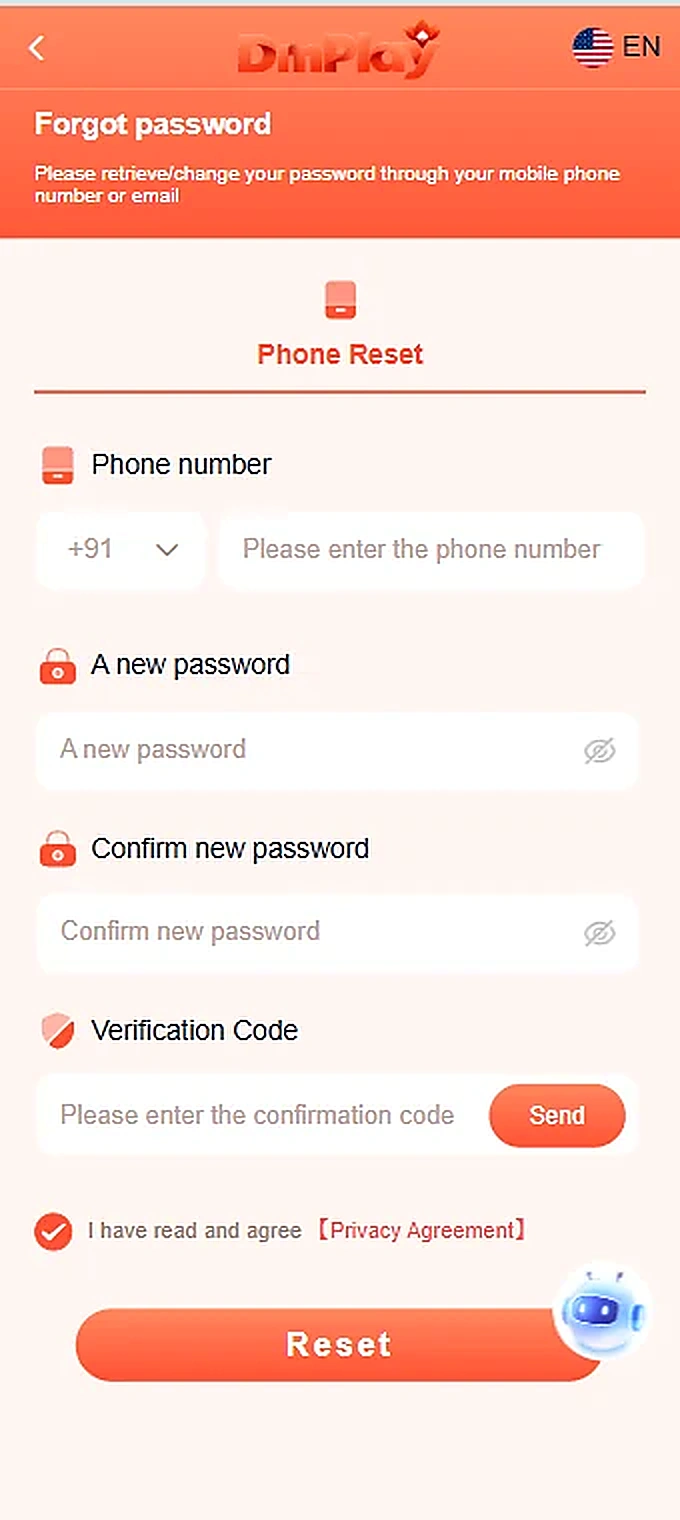
- From the login screen, select Forgot password.
- On Phone Reset, enter the phone number linked to the account.
- Choose a new password and repeat it in Confirm new password.
- Request the verification code using Send and enter the code received.
- Review the agreement and select Reset.
Important information
Never give an OTP or password to a supposed support agent. The screenshot demonstrates a phone reset; other reset methods are not verified.
Reference screenshots
Screenshots are examples supplied for this guide. Sensitive personal information and payment references are removed.