Step-by-step instructions
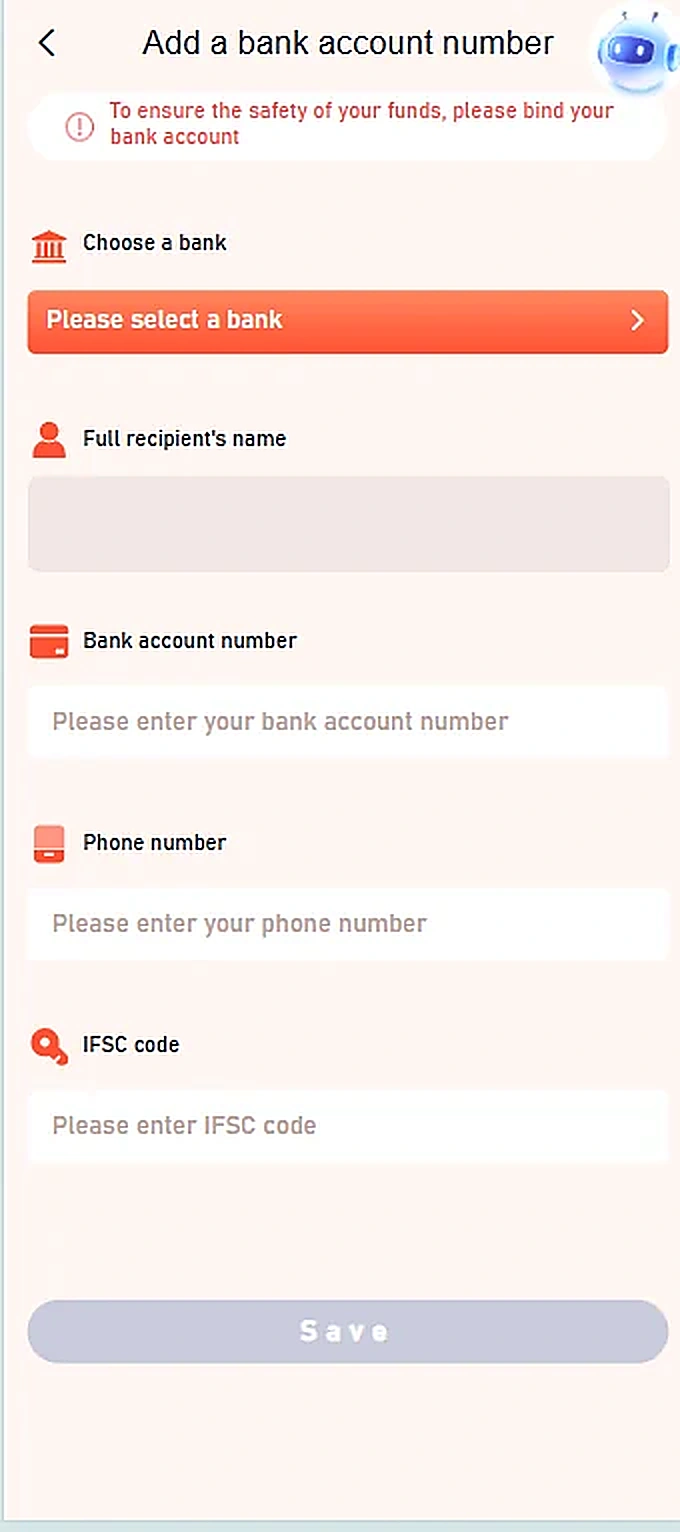
- Open the Add a bank account number screen.
- Use Please select a bank to choose the correct bank.
- Review the account holder name and enter your own bank account number.
- Enter the phone number and bank IFSC code as requested.
- Check the bank details carefully before pressing Save.
Important information
Only enter bank details within a legitimate, secure account. This guide does not collect banking information.
Reference screenshots
Screenshots are examples supplied for this guide. Sensitive personal information and payment references are removed.