Step-by-step instructions
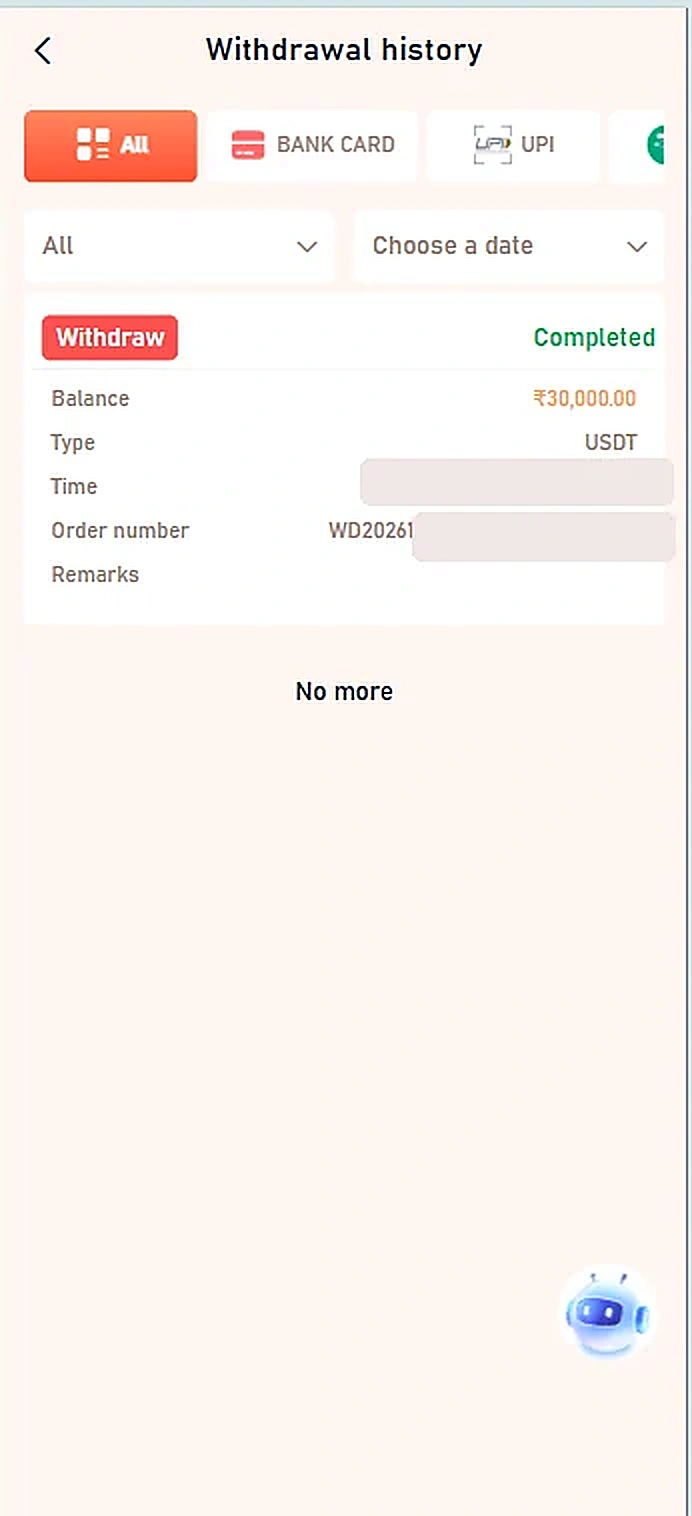
- The Withdrawal history screen provides filters such as All, Bank Card, UPI and date selection.
- A transaction entry can display an amount, type, time, order number and status.
- Completed is the status shown on the single supplied example; it does not prove that every request succeeds.
- Keep transaction references private and contact the verified platform support for disputes.
Important information
The provided screenshot shows withdrawal history only, not the screen used to submit a new withdrawal request. No unverified withdrawal-request steps are included.
Reference screenshots
Screenshots are examples supplied for this guide. Sensitive personal information and payment references are removed.