Step-by-step instructions
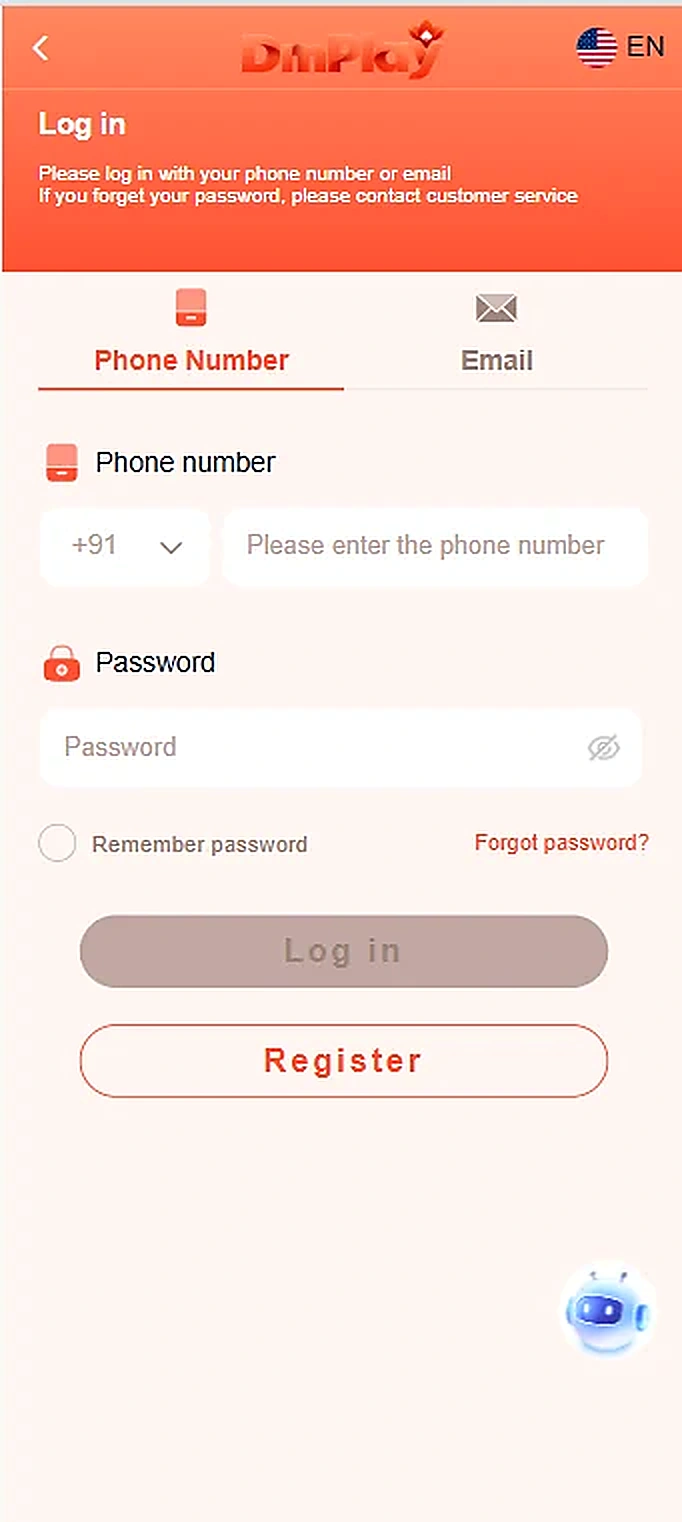
- Open the login screen.
- To use a phone number, select Phone Number, choose the country code and enter your registered number.
- Enter your password and select Log in.
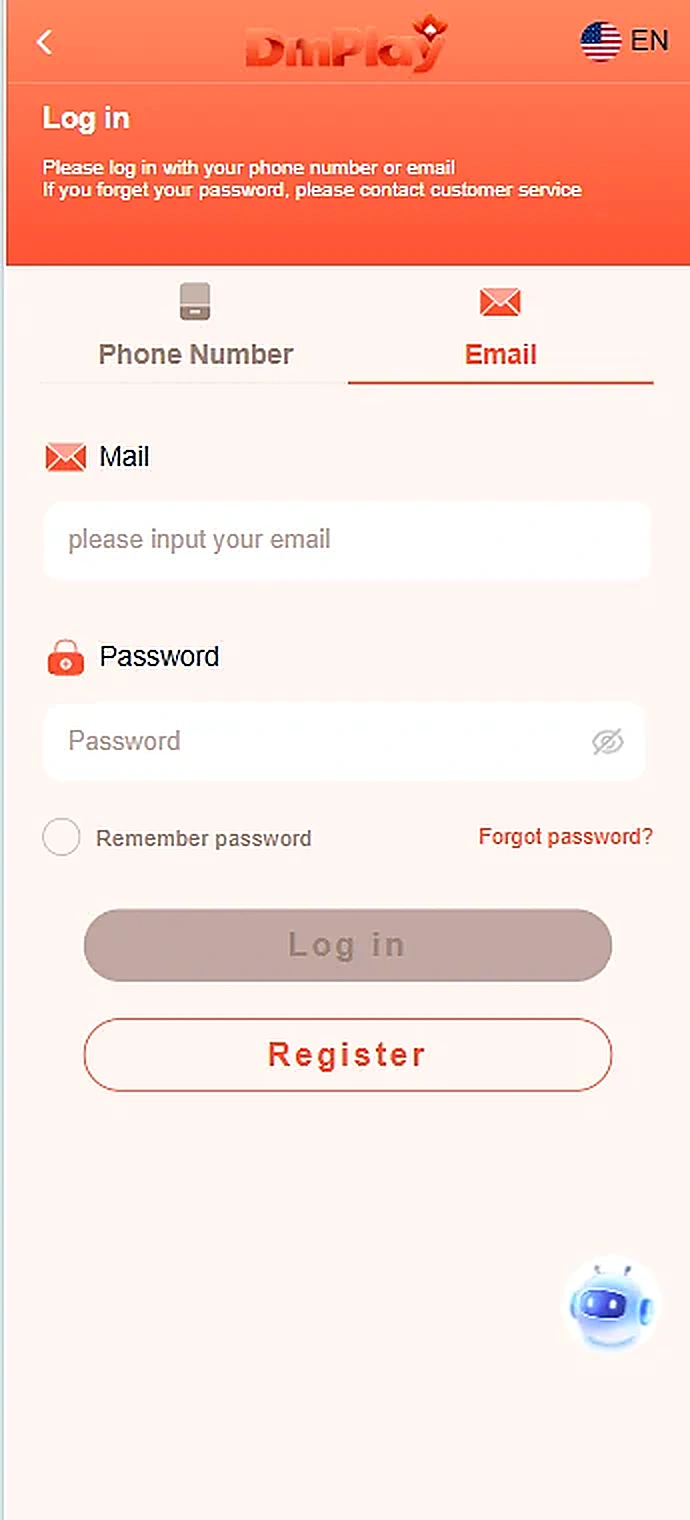
- To use email, select the Email tab and enter your registered address and password.
- If you cannot remember your password, use the Forgot password link rather than sharing credentials with anyone.
Important information
The Remember password option is shown in the app. Avoid saving passwords on shared devices.
Reference screenshots
Screenshots are examples supplied for this guide. Sensitive personal information and payment references are removed.